ADCS Proxy Gateway Integration
Integrate PKI Trust Manager With Microsoft ADCS Proxy Gateway
This tutorial guides you through integrating the PKI Trust Manager with the Microsoft ADCS Proxy Gateway
1. PKI Trust Manager Web Console#
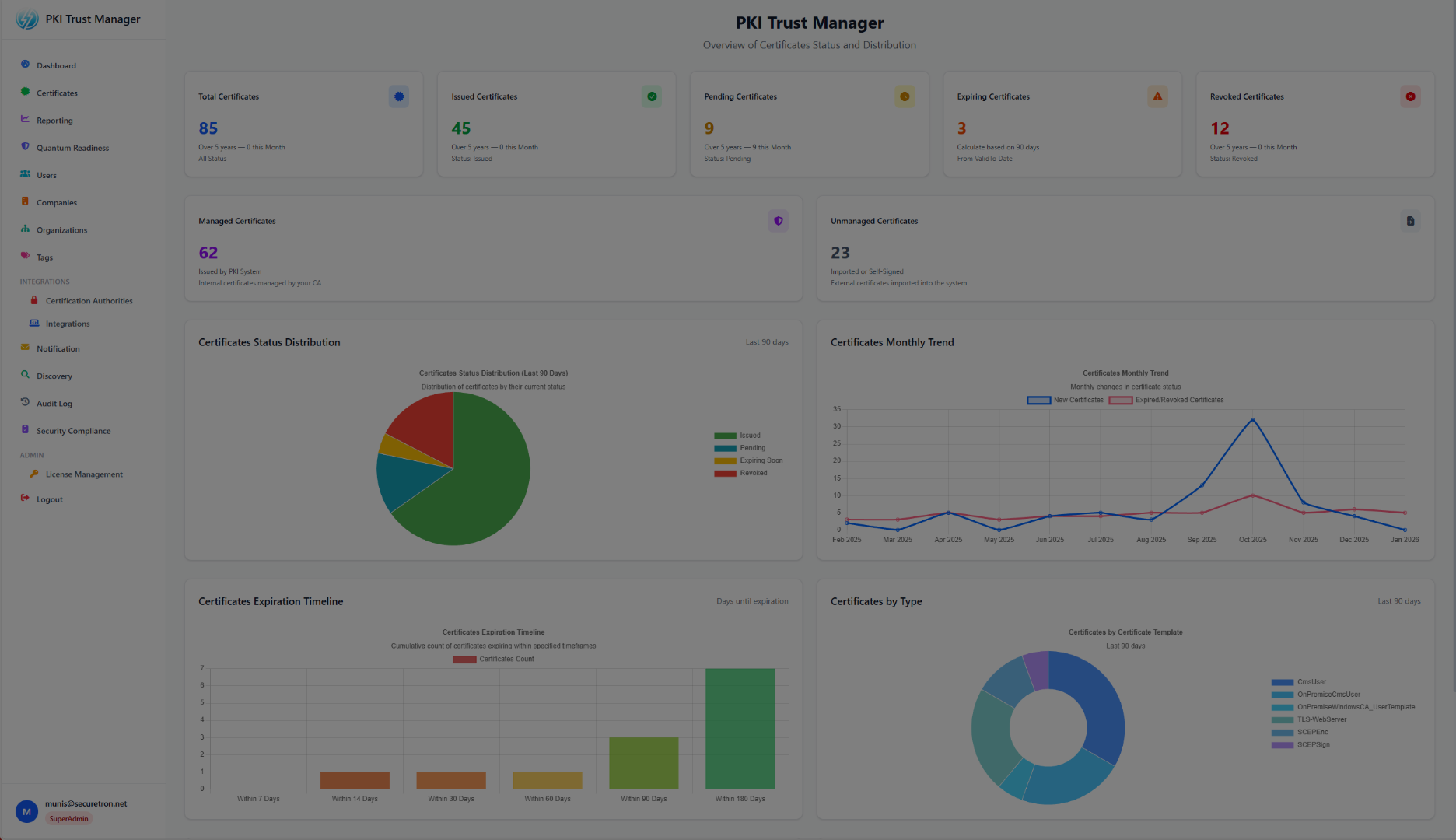
Logon to the PKI Trust Manager where you will find various integrations options including Certificate Authorities. Ensure that the Proxy Gateway has been deployed and running. You will need the FQDN which is resolvable and reachable to the Proxy Gateway for Microsoft ADCS
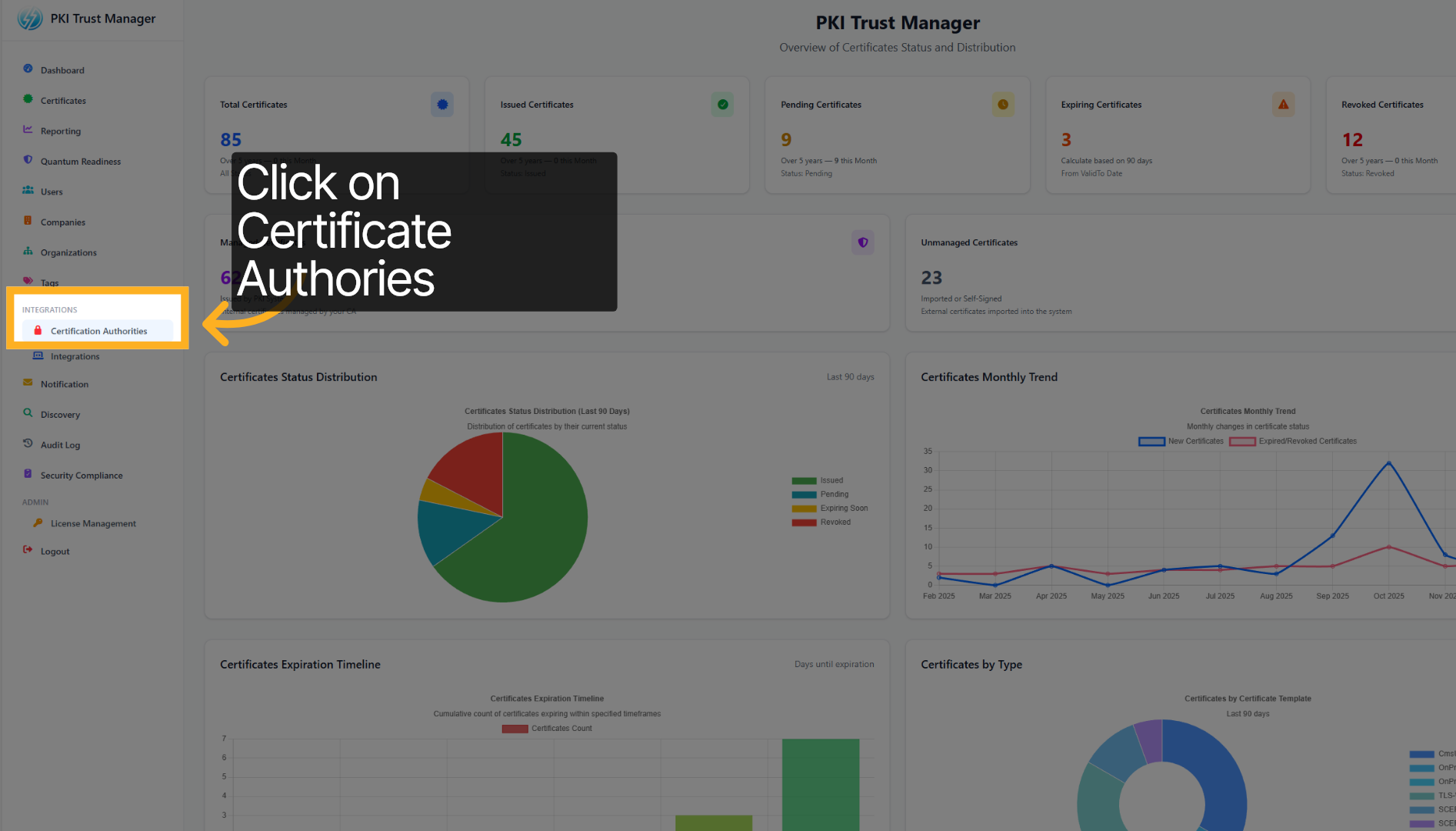
2. Select Certificate Authorities Option#
Click on Certificate Authorities to view and manage the list of trusted certificate authorities.
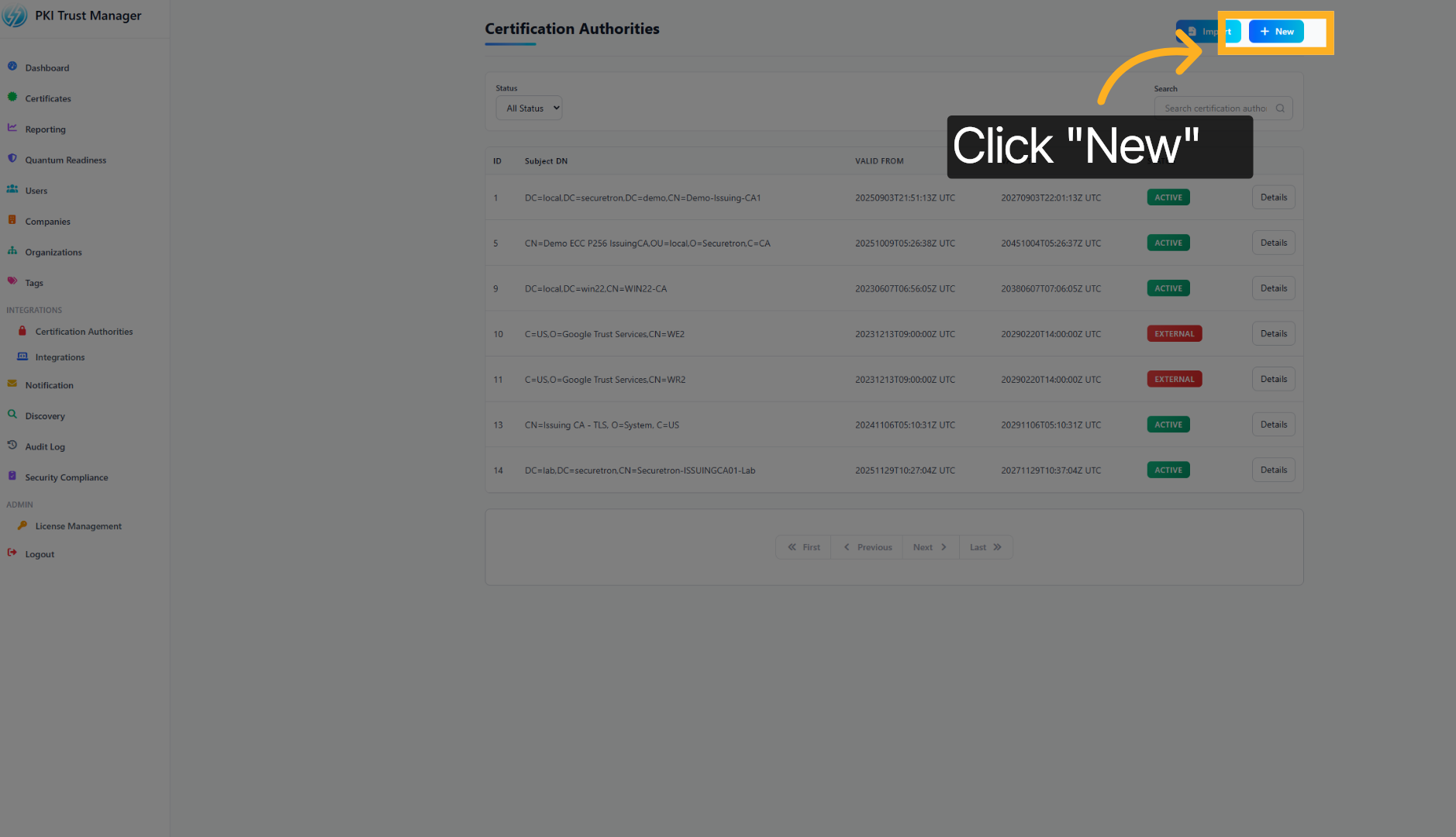
3. Add New Authority#
Click the + New button to add a new certificate authority to the PKI Trust Manager.
4. Choose Compartment Name#
Select the option representing your department or sub-org within the organization to which the Certificate Authority belongs. Alternatively, select System to use the default
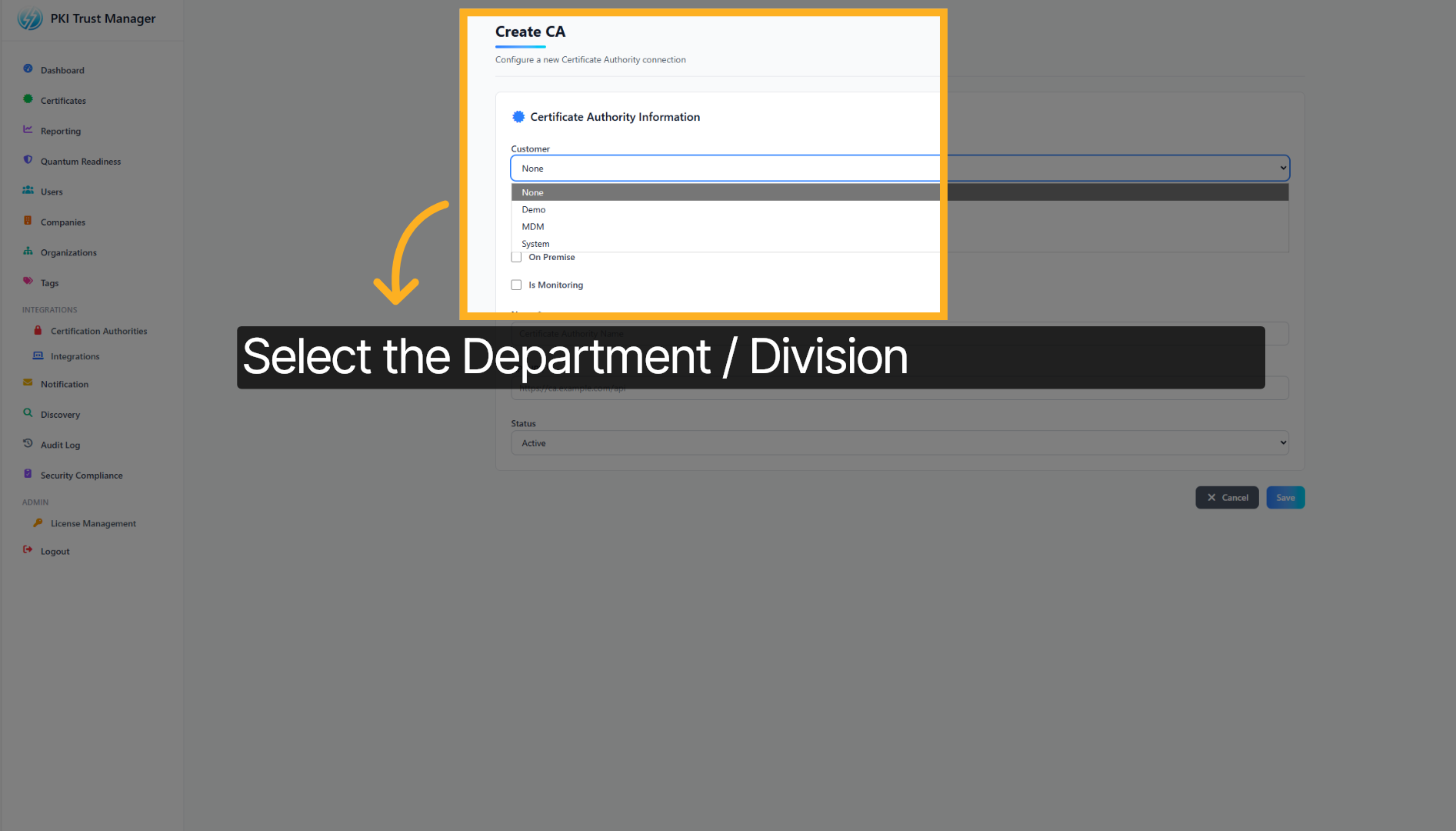
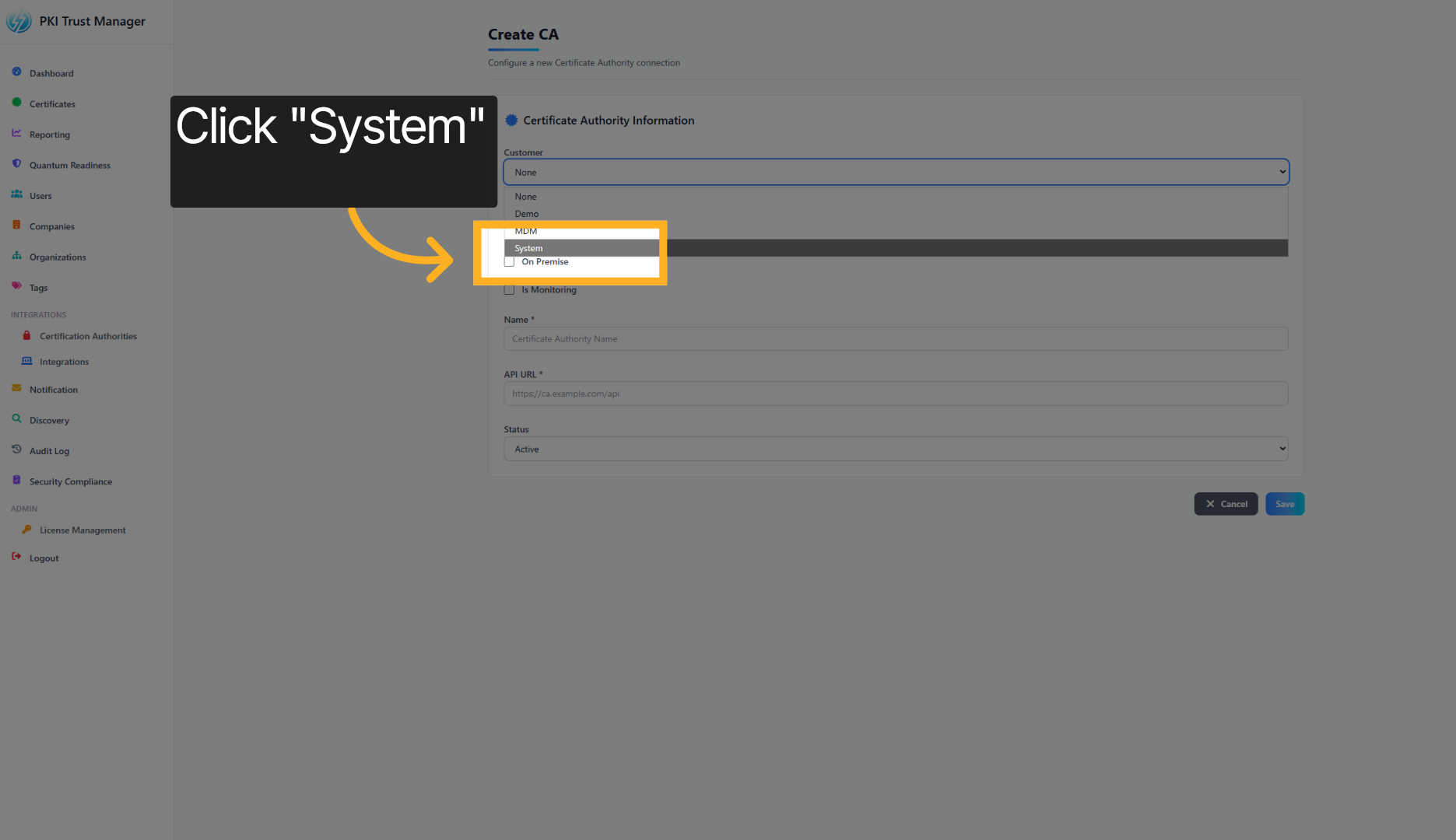
5. Select System Category#
for this demo, we will select System to which we will add the Certificate Authority
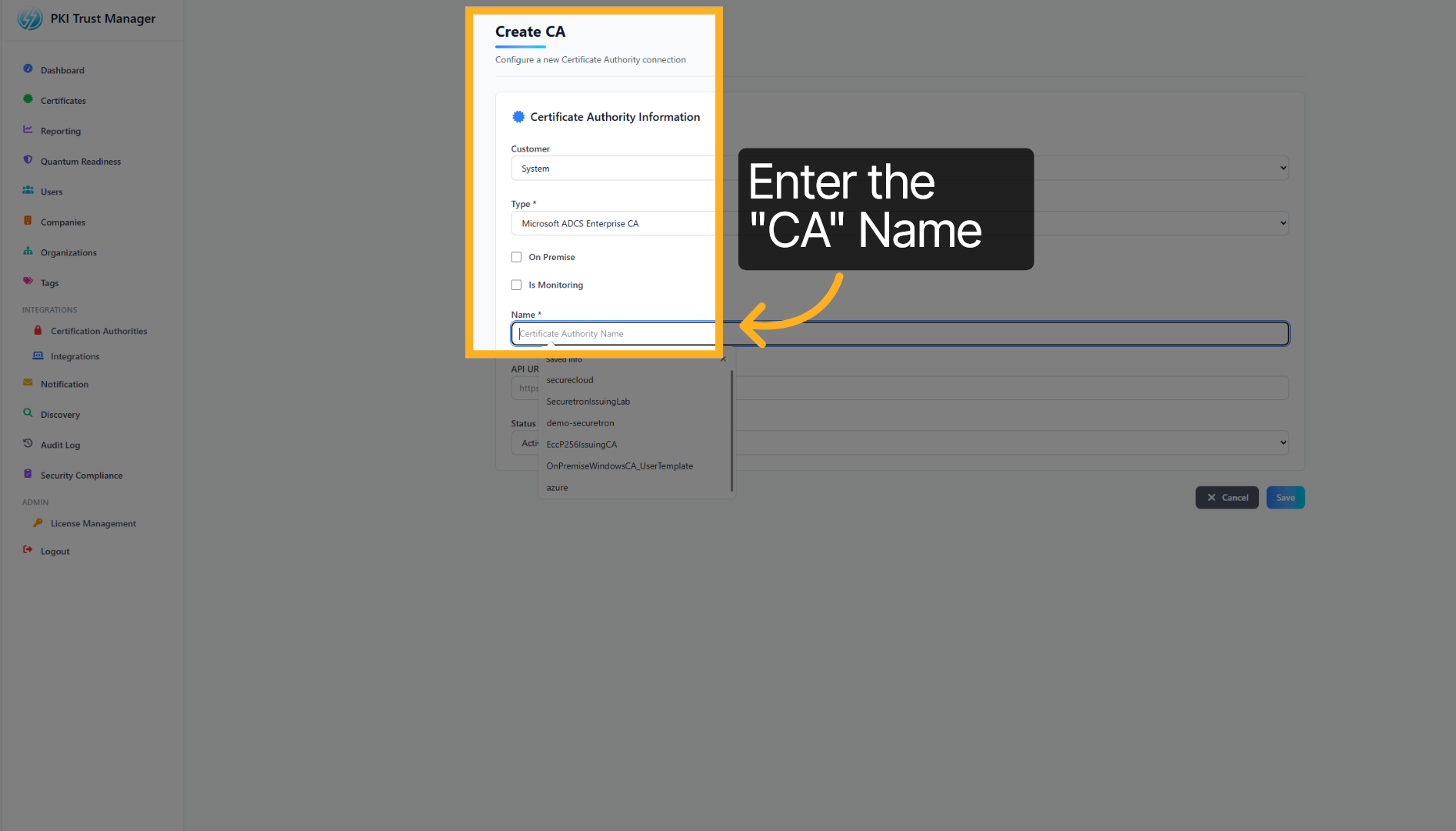
6. Choose Certificate Authority Name#
Provide the Certificate Authority Name to you want to integrate. The name should match the name as it is configured on the Certificate Authority
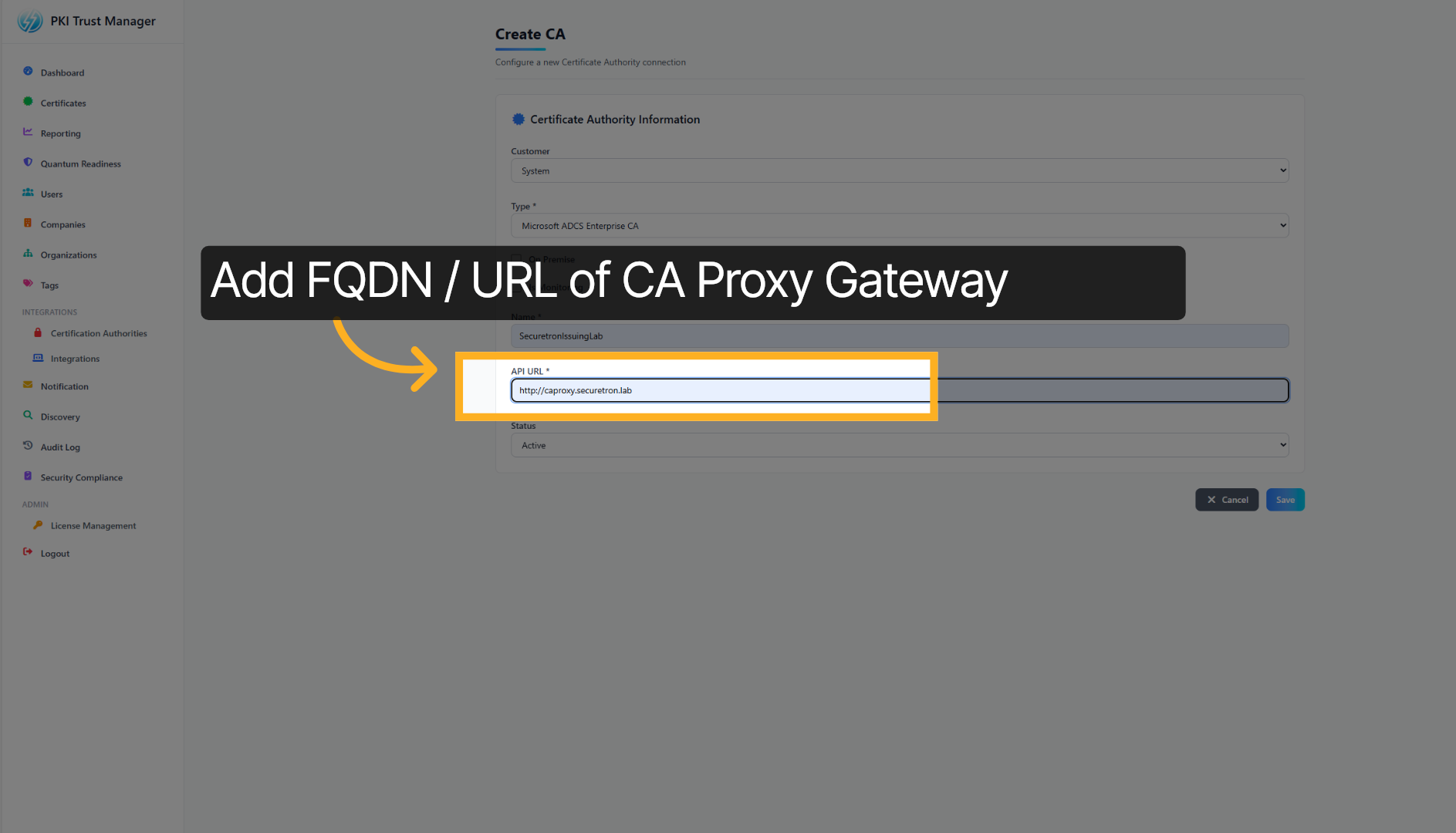
7. Specify Proxy Gateway URL#
Next add the URL assigned to Microsoft ADCS Proxy Gateway. The connection between PKI Trust Manager and Proxy Gateway must be allowed
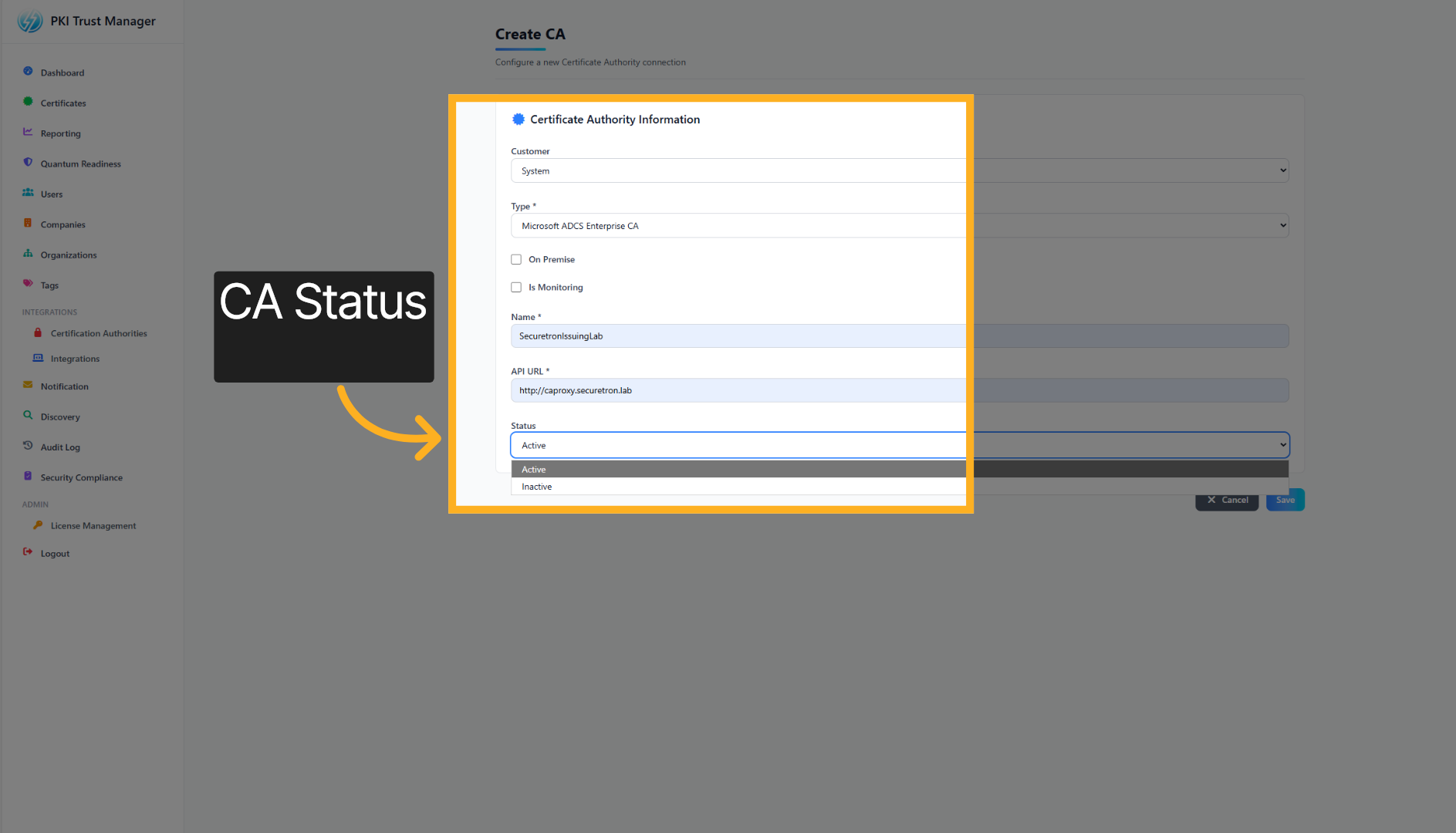
8. CA Status#
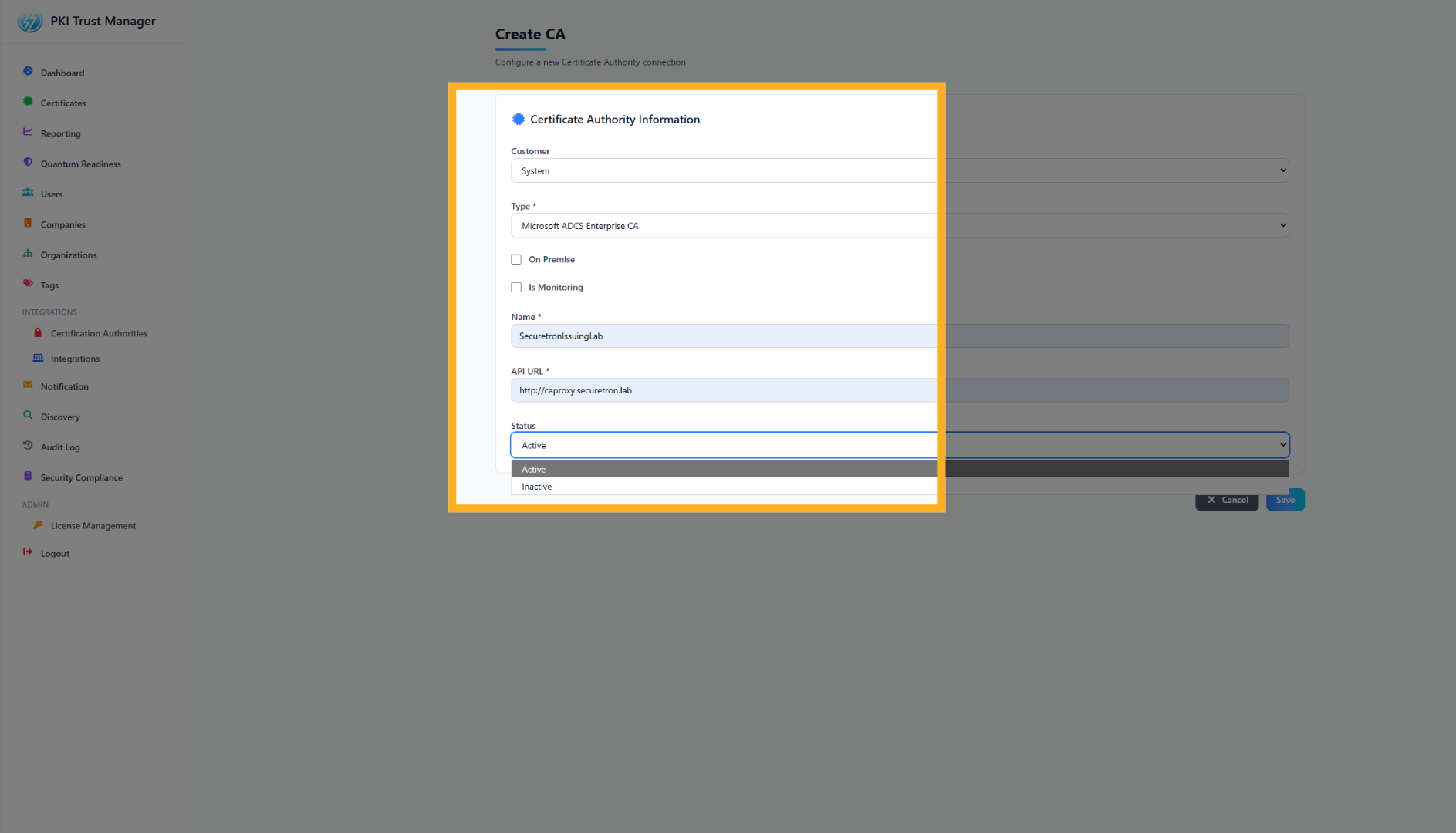
Finally, set the status to ACTIVE to enable the Certificate Authority
9. Continue Configuration Process#
Click the next button again to move forward in the setup process.
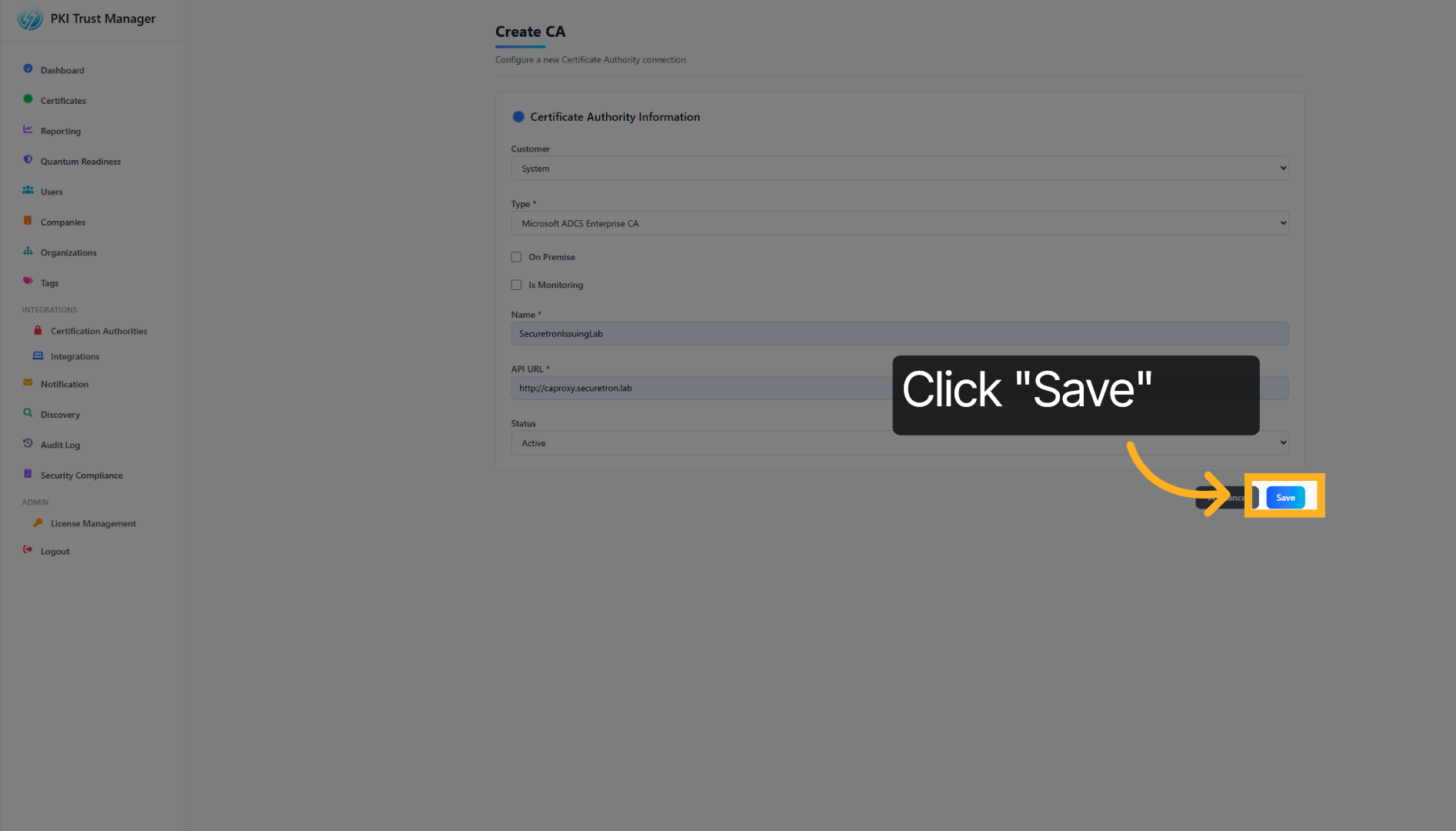
10. Save Configuration#
Click Save to apply and store the integration settings you have configured.
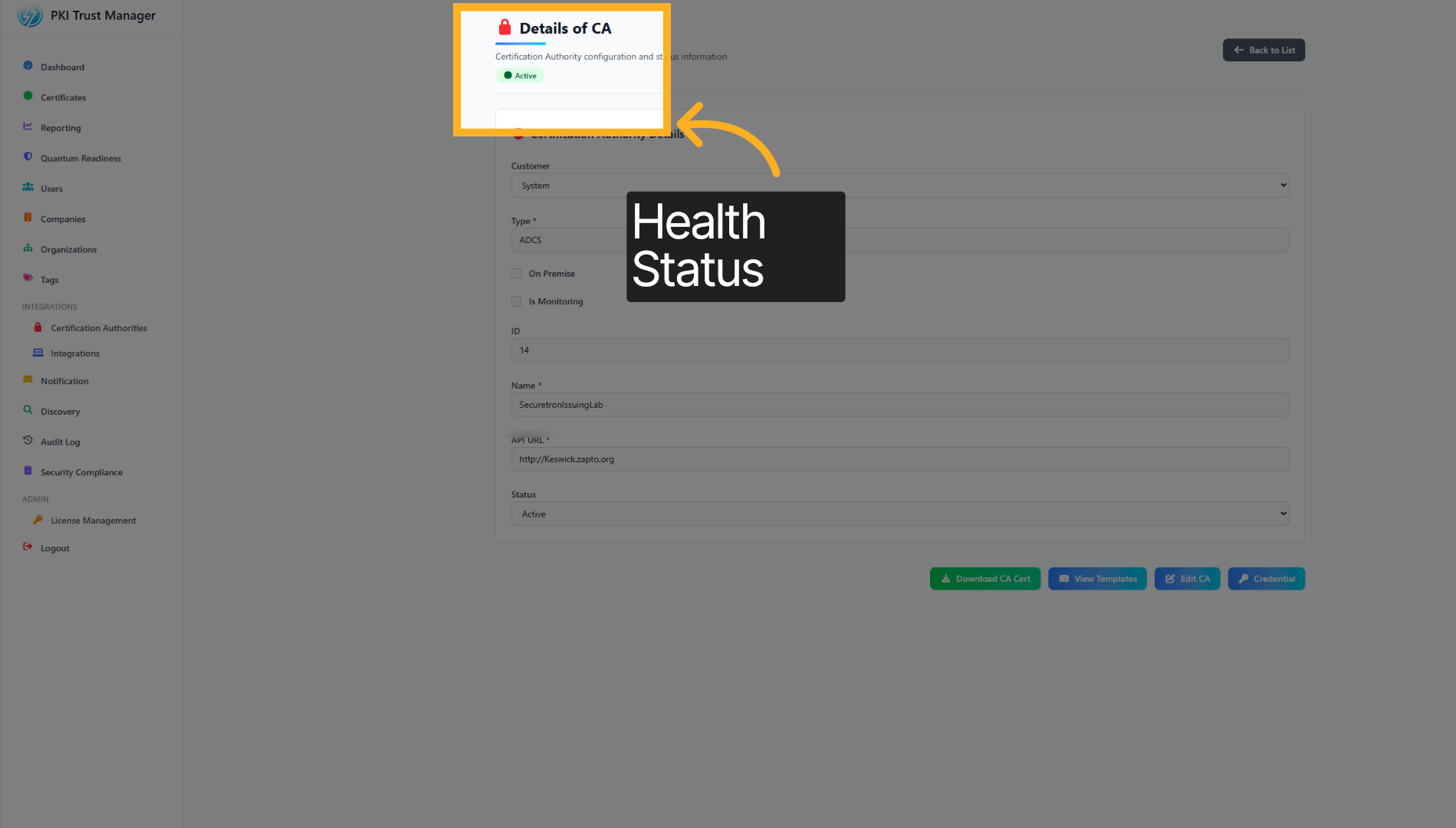
11. Access Additional Options#
Once the CA Proxy Gateway has been added successfully, the ACTIVE status should turn green
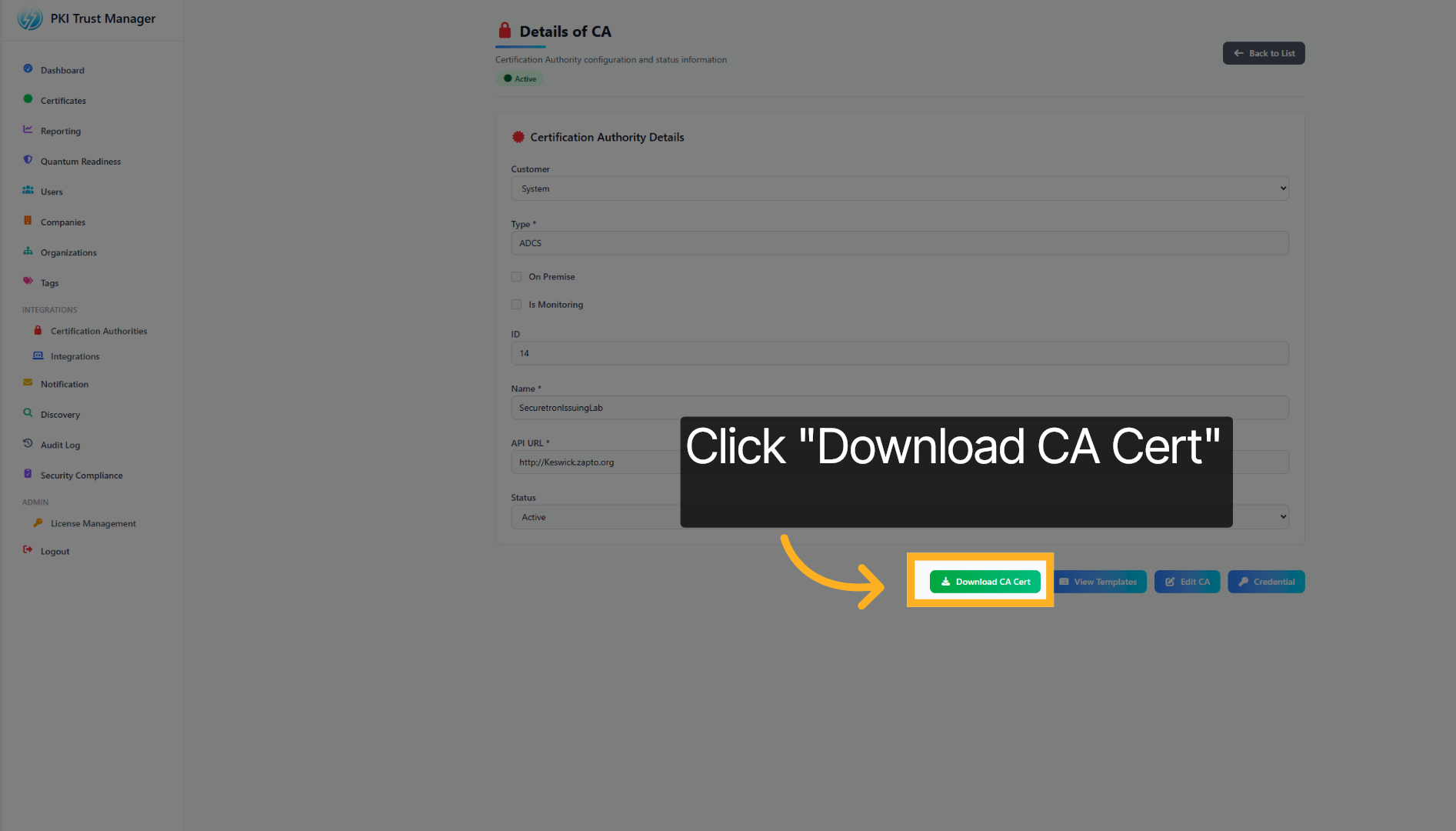
12. Download CA Certificate#
Click Download CA Cert to obtain the certificate authority's certificate for use in your environment.
You have successfully integrated the PKI Trust Manager with the Microsoft ADCS Proxy Gateway by configuring trust authorities and downloading the necessary CA certificate. This setup enables secure communication and allows PKI Trust Manager to automate Certificate Management for the integrated Certificate Authority. For more information please visit our website or contact support.