
Integrate PKI Trust Manager With Microsoft ADCS Proxy Gateway

This tutorial guides you through integrating the PKI Trust Manager with the Microsoft ADCS Proxy Gateway
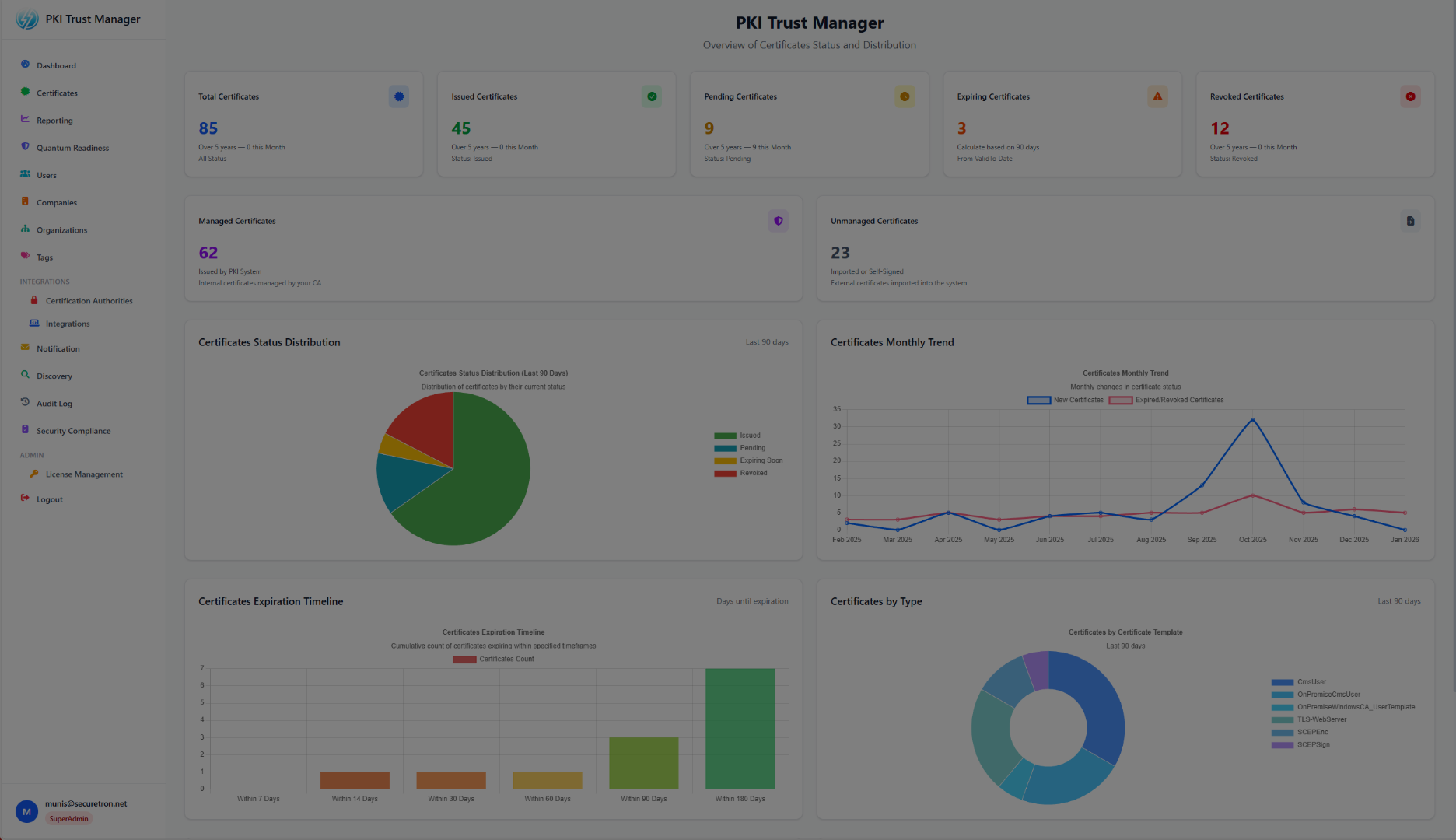
Logon to the PKI Trust Manager where you will find various integrations options including Certificate Authorities. Ensure that the Proxy Gateway has been deployed and running. You will need the FQDN which is resolvable and reachable to the Proxy Gateway for Microsoft ADCS
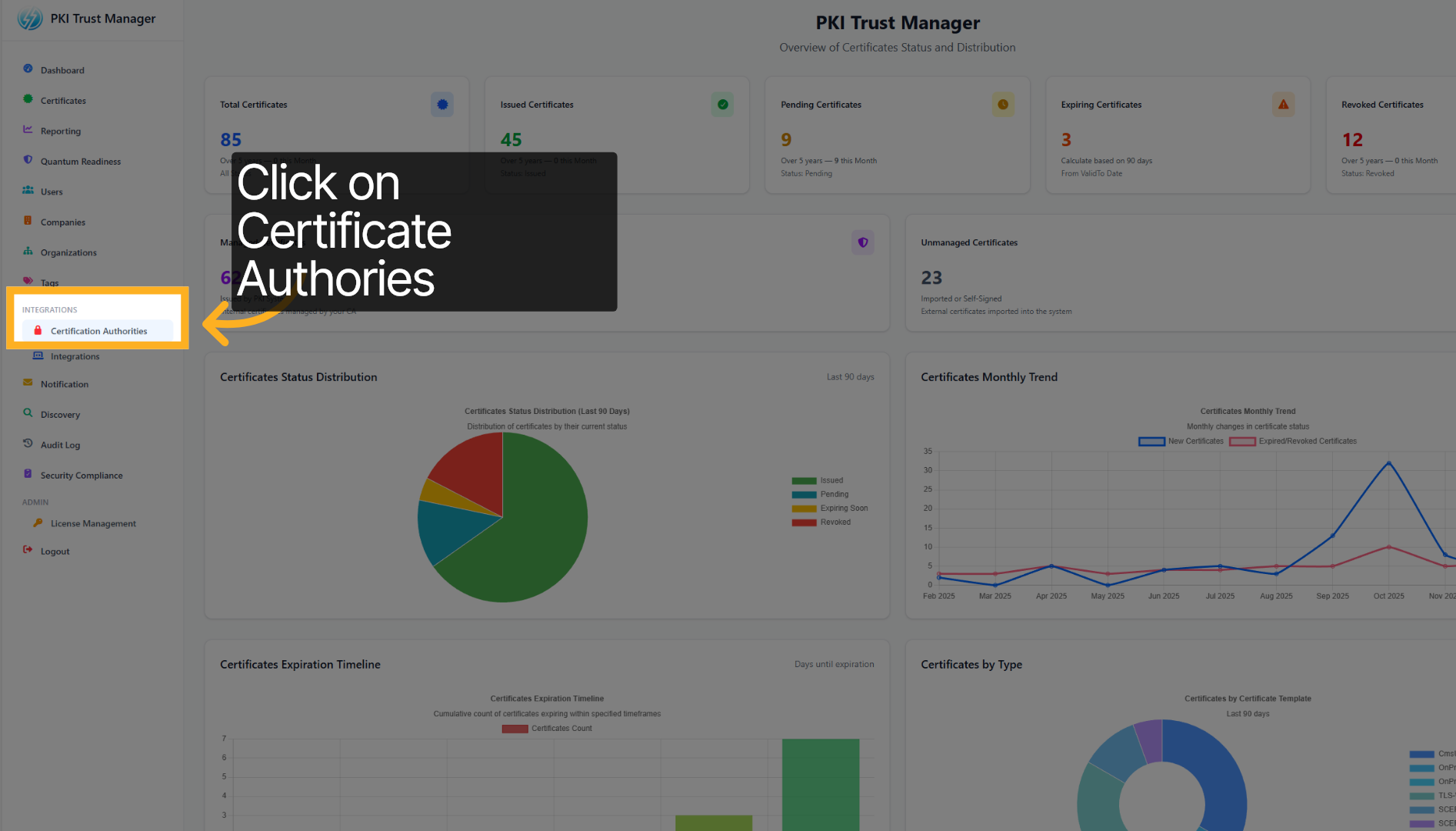
Click on Certificate Authorities to view and manage the list of trusted certificate authorities.
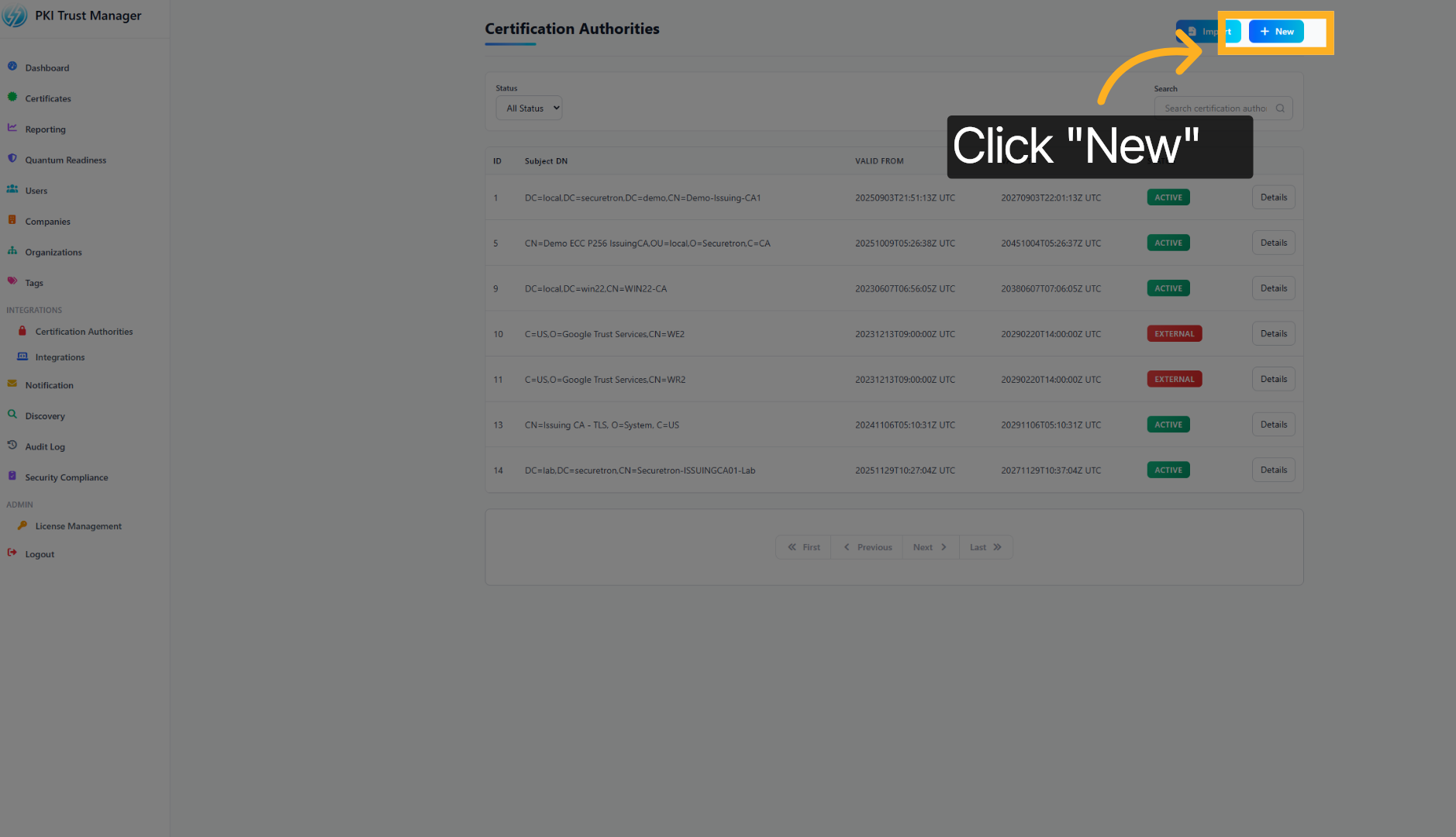
Click the + New button to add a new certificate authority to the PKI Trust Manager.
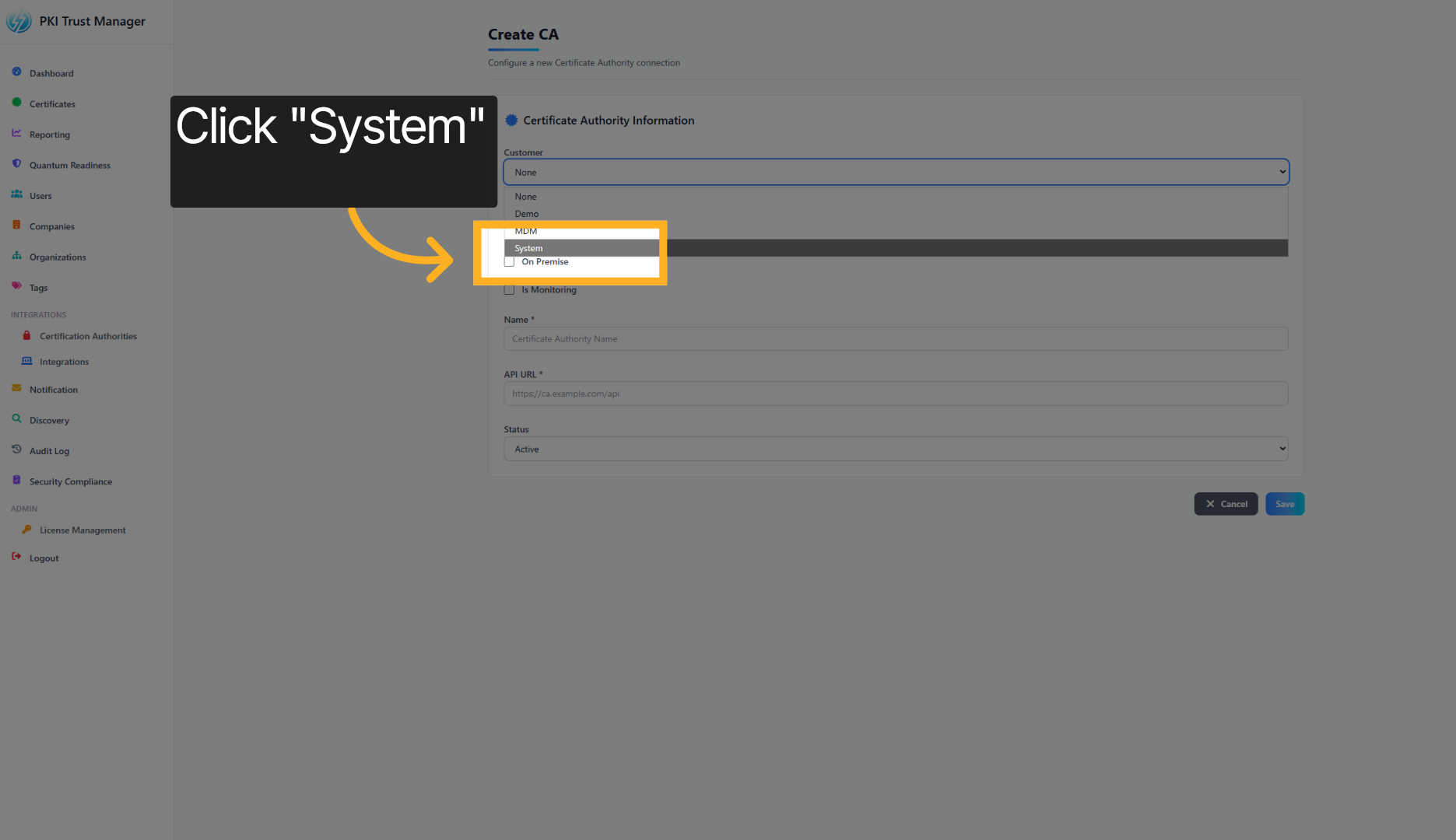
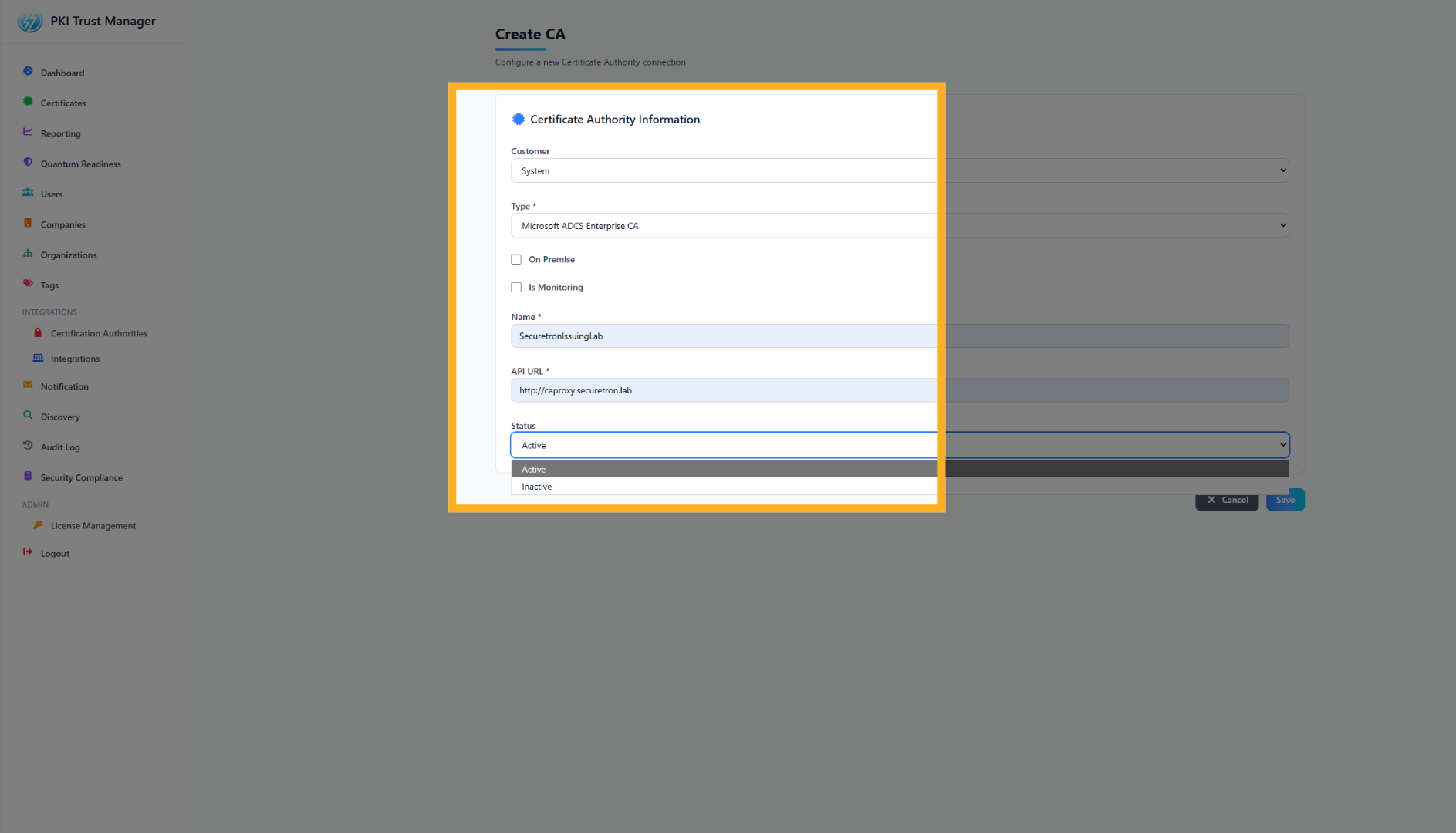
Select the option representing your department or sub-org within the organization to which the Certificate Authority belongs. Alternatively, select System to use the default
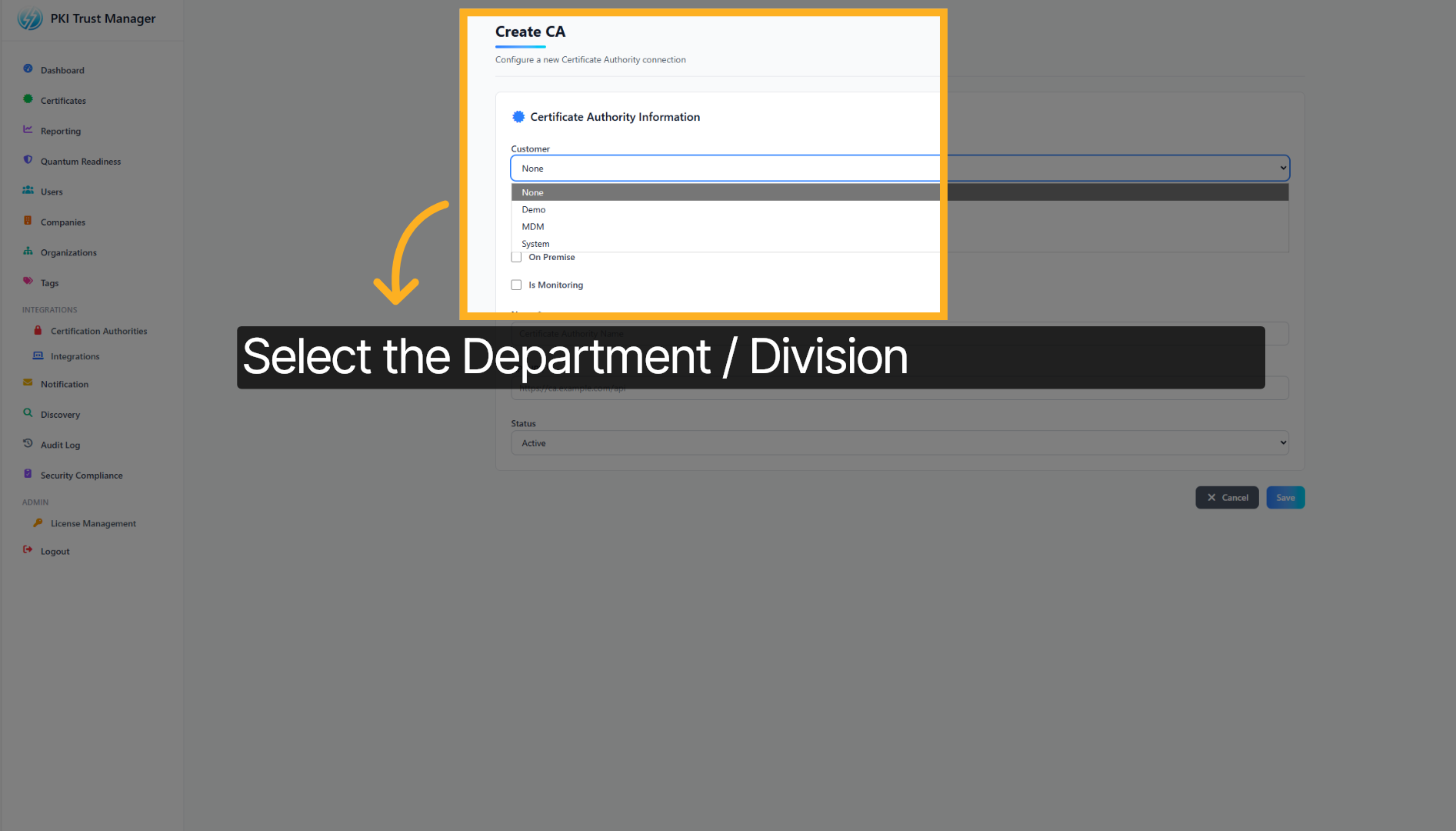
for this demo, we will select System to which we will add the Certificate Authority
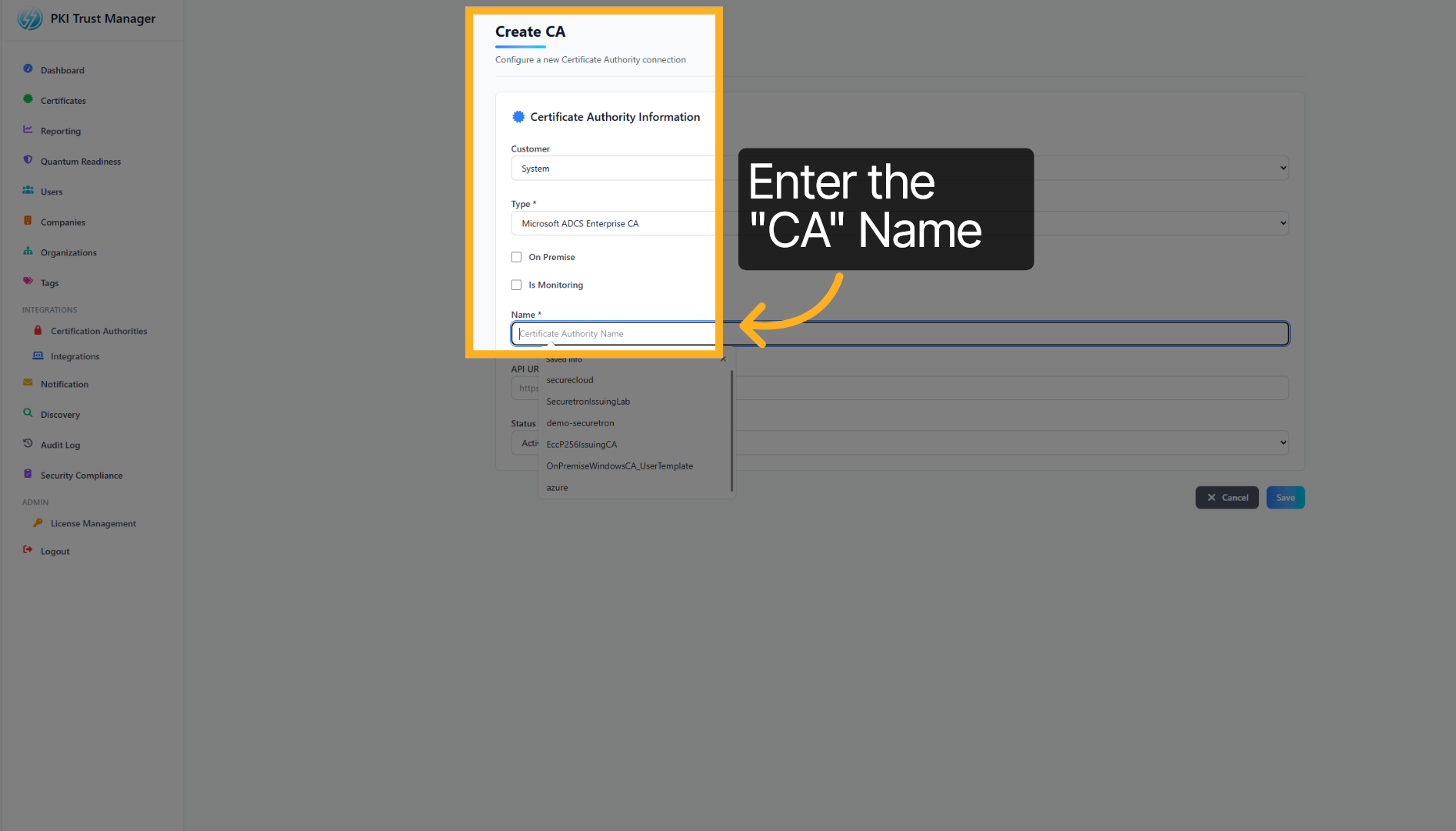
Provide the Certificate Authority Name to you want to integrate. The name should match the name as it is configured on the Certificate Authority
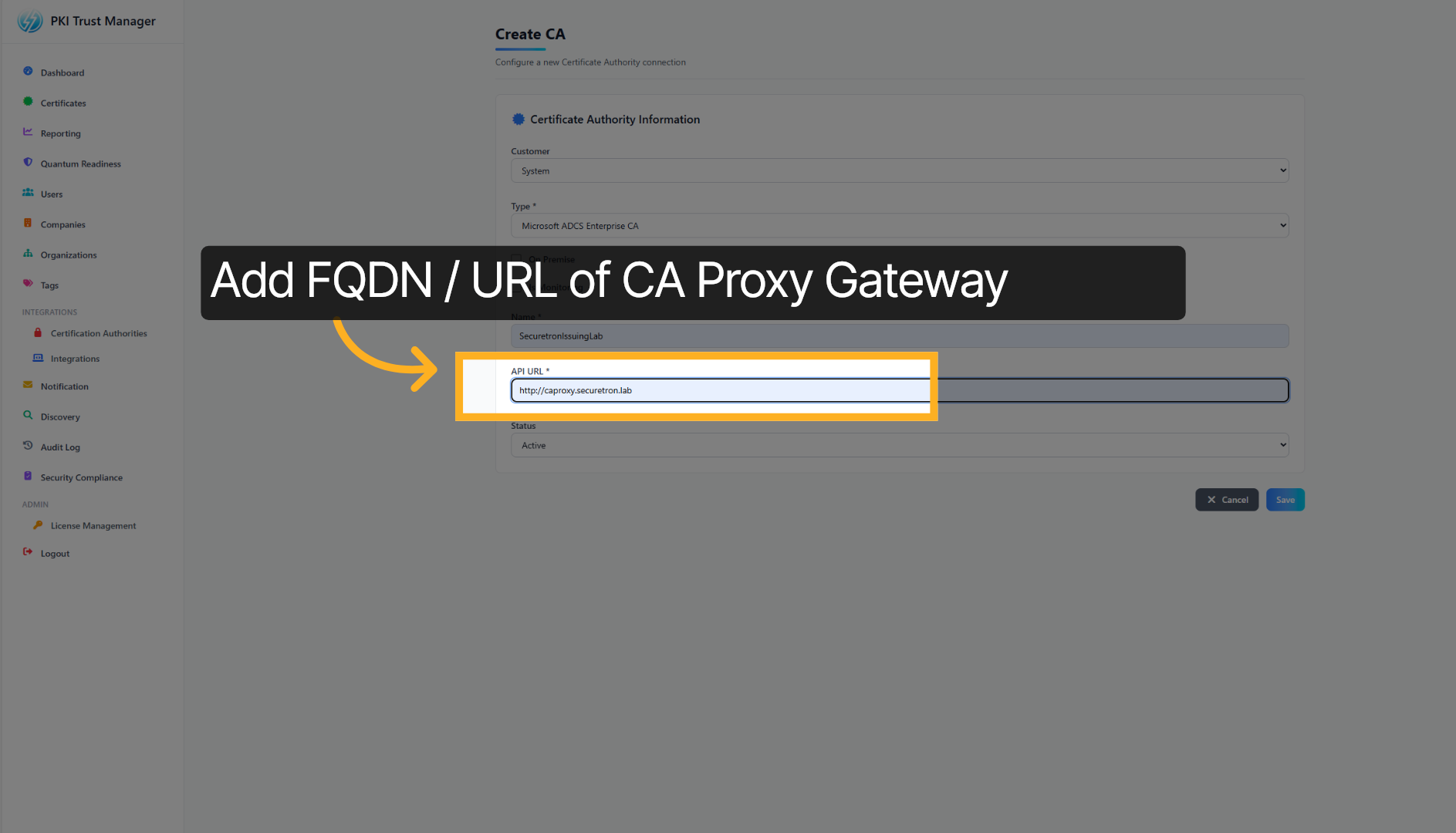
Next add the URL assigned to Microsoft ADCS Proxy Gateway. The connection between PKI Trust Manager and Proxy Gateway must be allowed
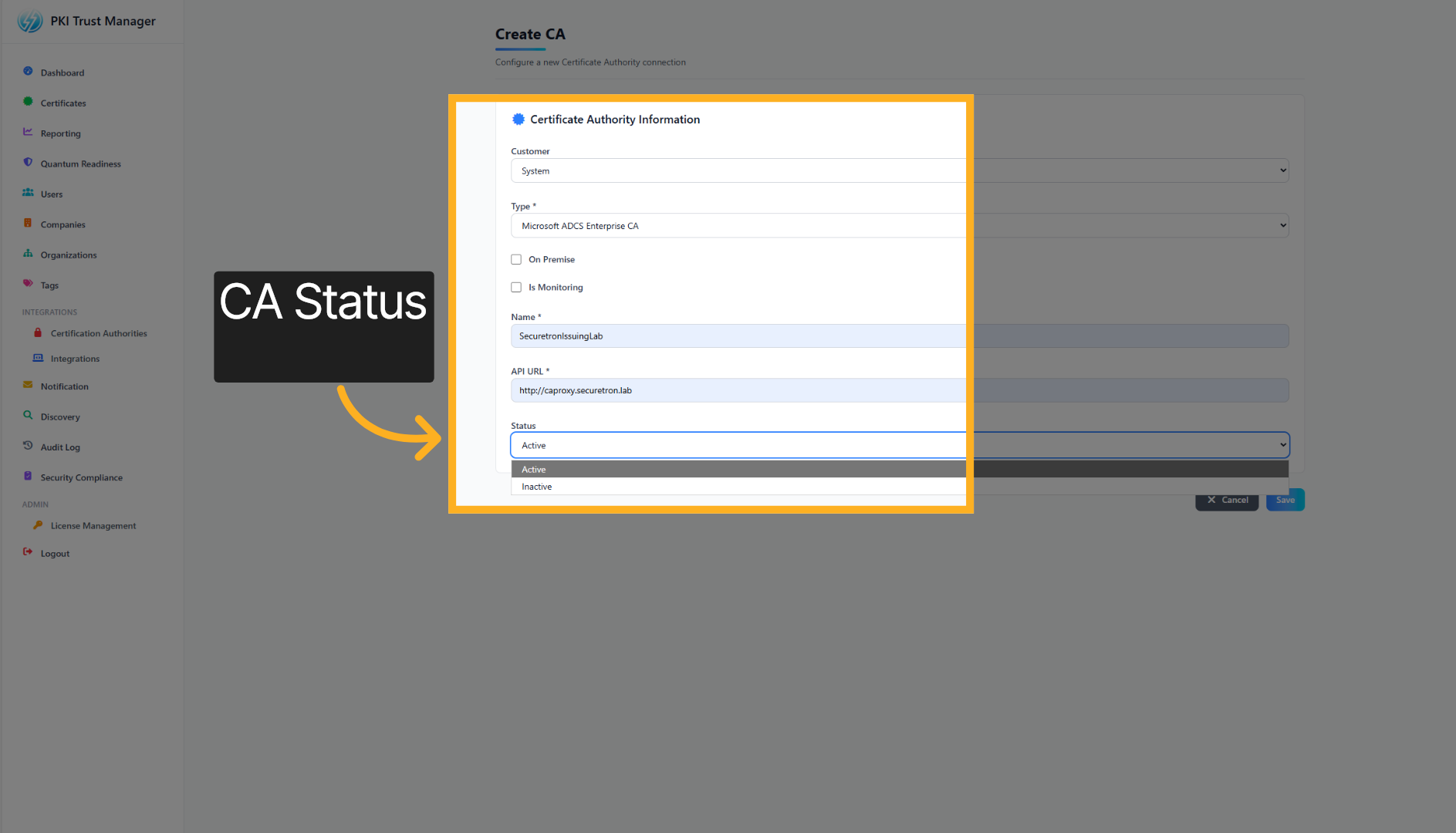
Finally, set the status to ACTIVE to enable the Certificate Authority
Click the next button again to move forward in the setup process.
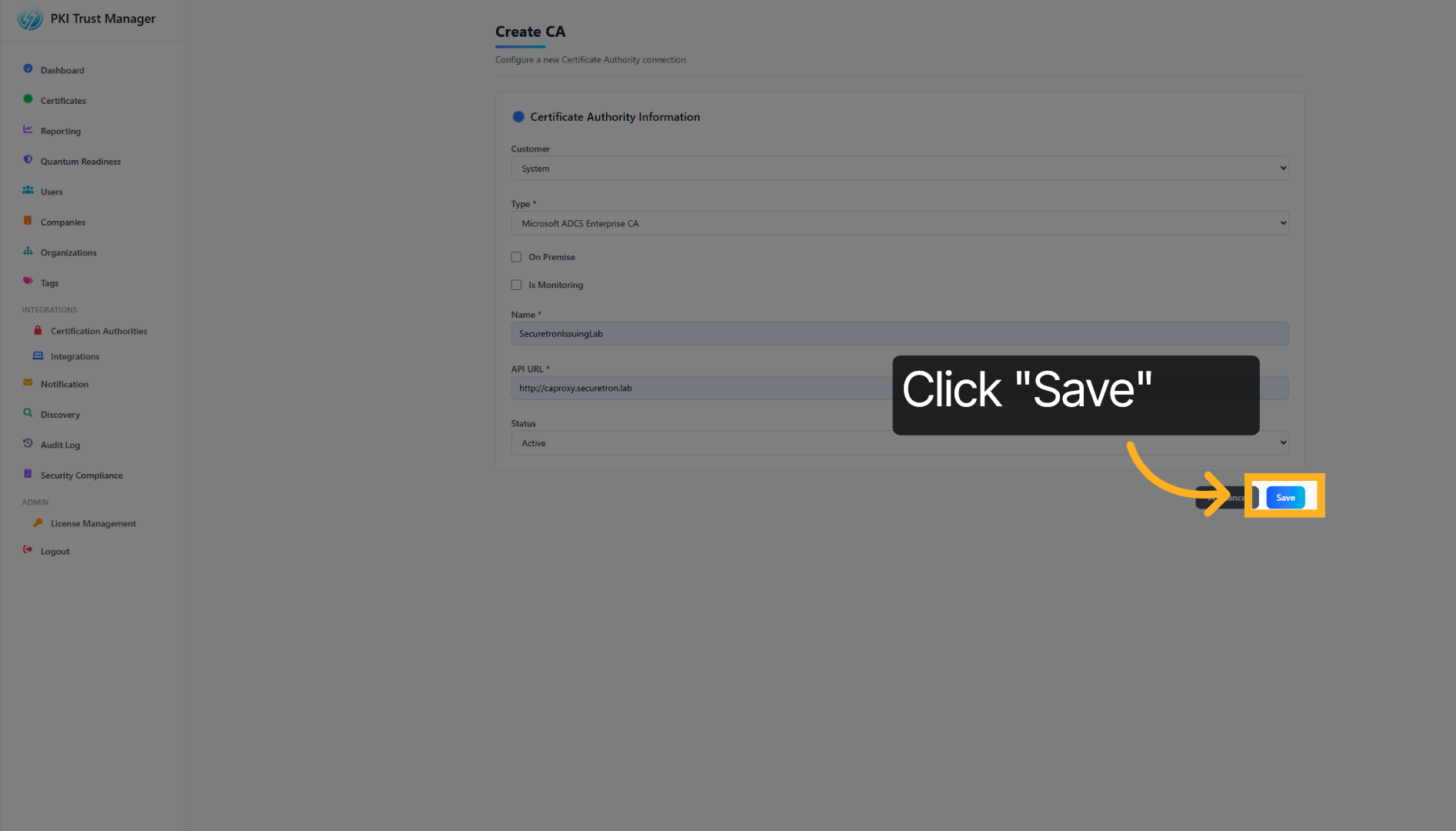
Click Save to apply and store the integration settings you have configured.
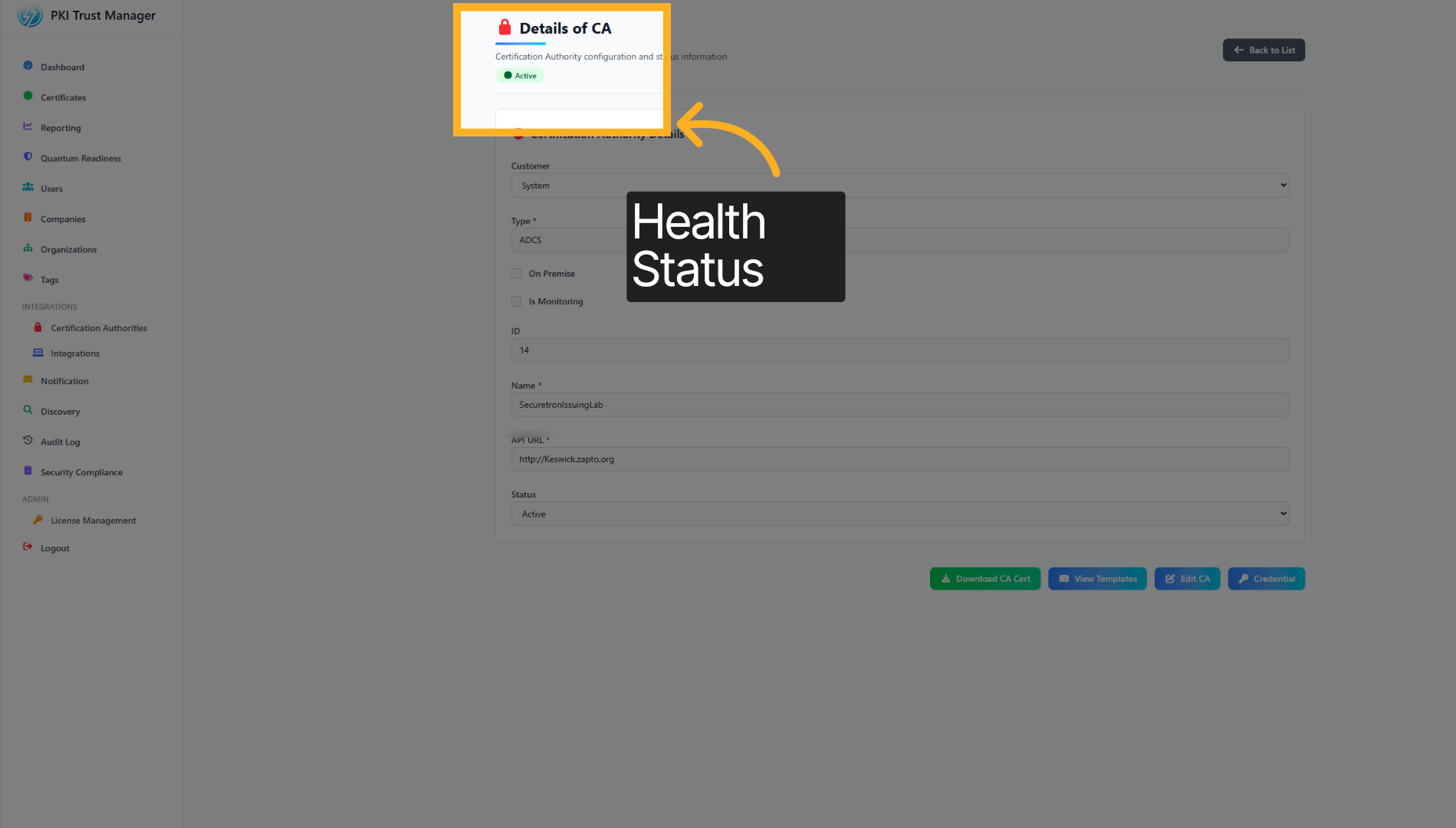
Once the CA Proxy Gateway has been added successfully, the ACTIVE status should turn green
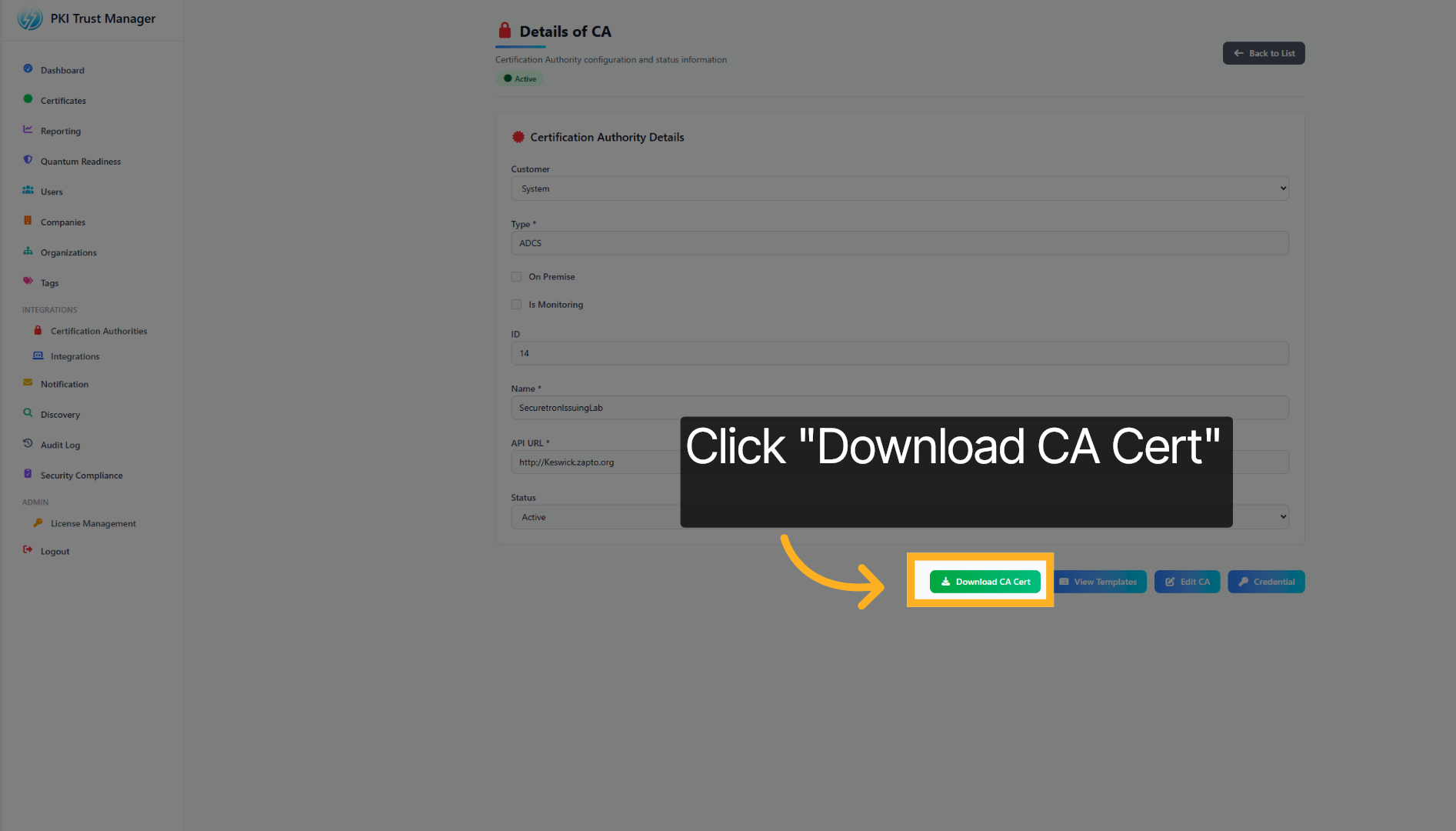
Click Download CA Cert to obtain the certificate authority’s certificate for use in your environment.
You have successfully integrated the PKI Trust Manager with the Microsoft ADCS Proxy Gateway by configuring trust authorities and downloading the necessary CA certificate. This setup enables secure communication and allows PKI Trust Manager to automate Certificate Management for the integrated Certificate Authority. For more information please visit our website or contact support.